
Start with the transcript
Illustrative example. On the Cedar Lane call, Nora asks $175,000 and says she hopes to move in about two months. The roof estimate is still open.

AI Call Notes
Draft deal notes from an available call transcript. Check and save what the seller said, then review any updates to the deal fields in a separate pass.
Illustrative example. On the Cedar Lane call, Nora asks $175,000 and says she hopes to move in about two months. The roof estimate is still open.
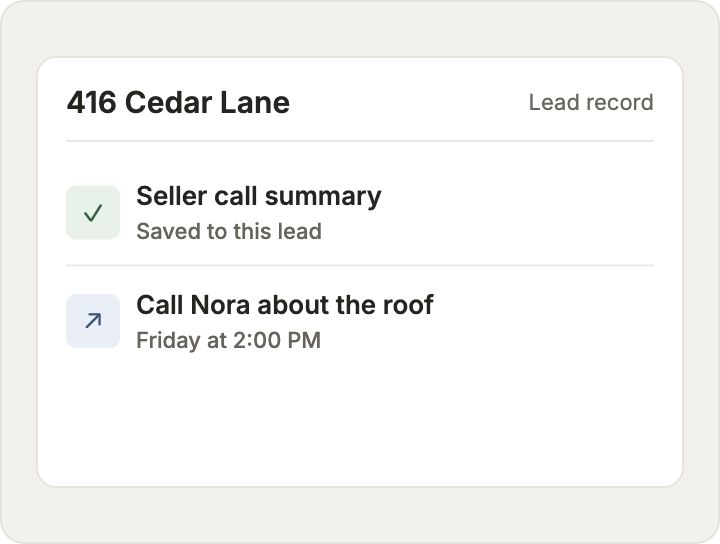
Compare the draft with the transcript. Keep Nora’s price, timing, and reason for moving. Record the pending roof estimate and Friday callback as follow-up.
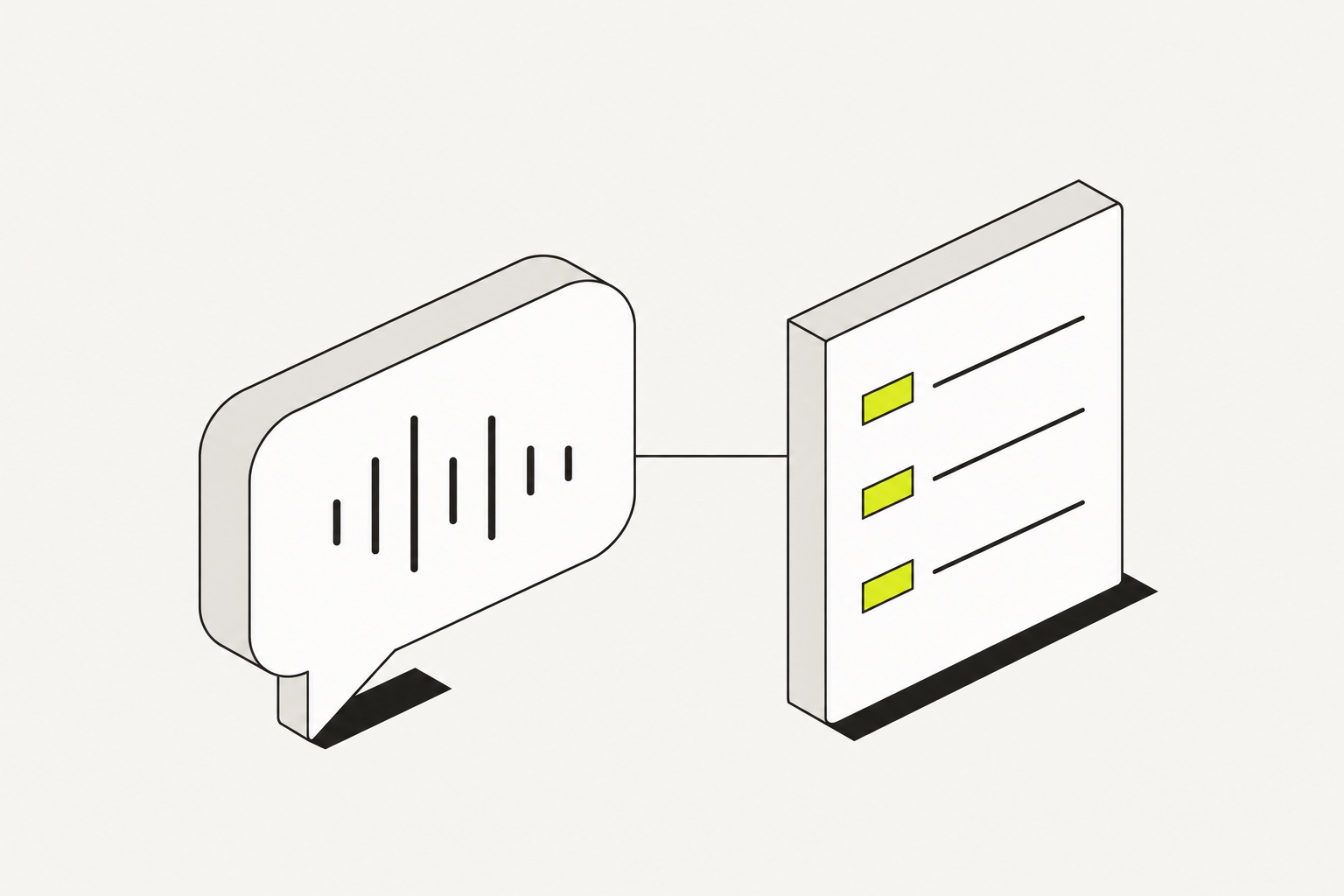
In a separate pass, check which facts belong in structured fields such as asking price or timing. Apply the updates you confirm, then set the callback task.
Start from a supported recorded call with an available transcript. Check the transcript against the recording if any detail seems off.
Capture what the seller actually said about condition, motivation, price, timeline, and objections. Include any promise you made to follow up.
Save the reviewed note first. Use the separate update pass to review and apply any structured changes.
If you can access the recording, listen and write a note yourself. Use AI Call Notes when a transcript is available.
Create an appointment or task for the callback and assign it. The note tells the assignee what to ask.
Leave the price open. Add it to the questions for the next call.