
Prepare the deal package
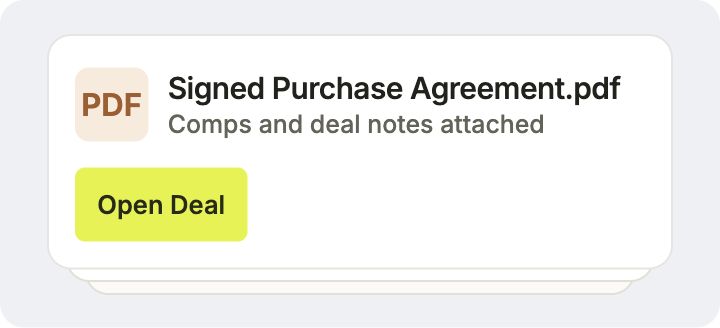
Check that the signed agreement, comparable sales, property facts, and seller commitments are on the deal. Complete any required deal review, then add it to Dispositions.
Dispo & Closing
Move a signed opportunity into dispositions, or dispo. Keep the agreement, buyer follow-up, and deadlines in reach for the people working the close.
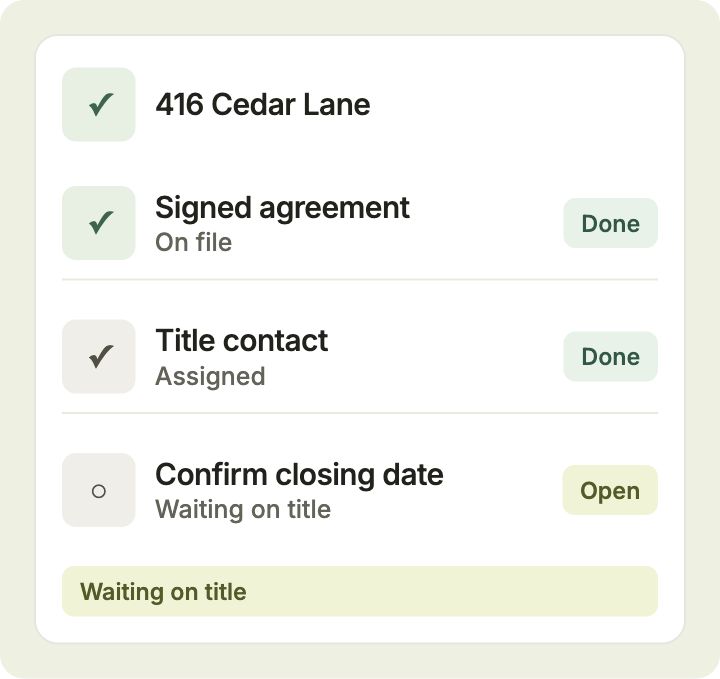
Check that the signed agreement, comparable sales, property facts, and seller commitments are on the deal. Complete any required deal review, then add it to Dispositions.
Example buyer follow-up
Use the package when you reach out to buyer contacts. Record who asked for details, who wants to see the property, and when to check back.
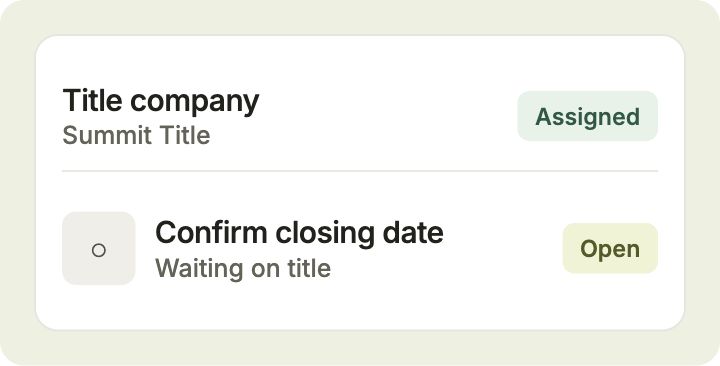
Your transaction coordinator (TC) can keep the title or escrow contact on the deal. Add a task for each missing file or deadline the team needs to confirm.
Illustrative example. Cedar Lane has a signed purchase agreement and a date for access. The closer puts both on the deal before the buyer-side work starts.
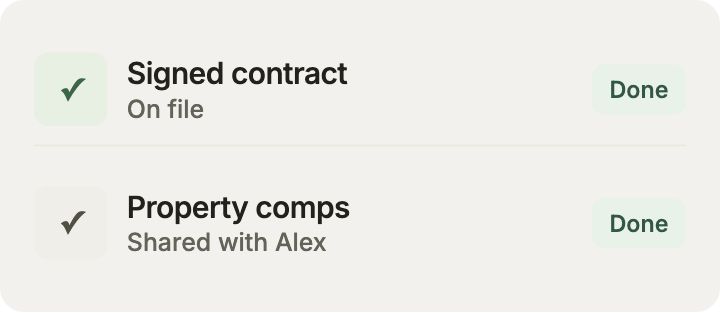
The dispo rep checks the comps and roof notes before sending the package to buyer contacts. A buyer asks for photos, so the rep adds that as the next action.
The TC adds a due date for the missing document. Once the title company confirms receipt, the TC updates the task and checks the closing date.
Keep the primary deal owner on the record. Assign buyer outreach to the person handling dispositions.
Keep that buyer’s next step with the deal. Use notes for what they asked and tasks for when to get back to them.
Include the signed agreement, the comps you used, what the seller agreed to, and the first action for the buyer-side team.
Keep your agreement in Deal Files. If you prepare it in Effie, check which templates your workspace has available.
Link the title office or escrow contact to the deal so your team knows whom to ask.
Your team confirms the details with title or escrow and records the outcome on the deal.