

Pick a market and property type
Start with your ZIP codes and the kind of property you buy. Check the address and listed property details before you keep a match.
Lead Lists & Skip Tracing
Find properties by market and property type, look up owner contact matches, or import a list you already have.
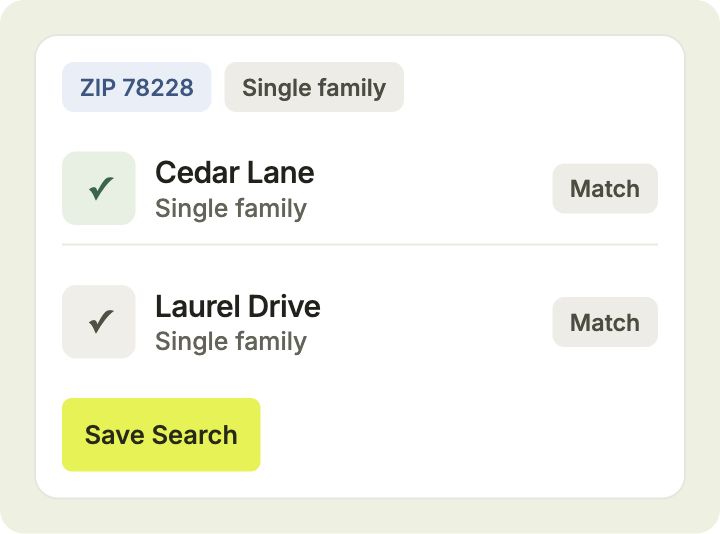
Start with your ZIP codes and the kind of property you buy. Check the address and listed property details before you keep a match.
Use skip tracing to search for a property owner’s phone or email. Check that the returned contact fits the owner and property. Some records may have no usable match.
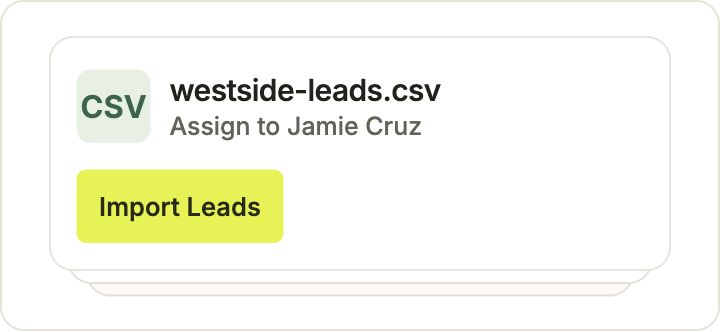
Assign the list to the teammate who works that market. Enabled lists can pick up new matches during nightly runs.
Illustrative example. A lead manager opens a new market and saves a search for single-family homes. She checks new matches before adding anyone to outreach.
Example contact results
Confirm you have the right property and contact. Treat each match as a prospect until the owner shows interest in selling.
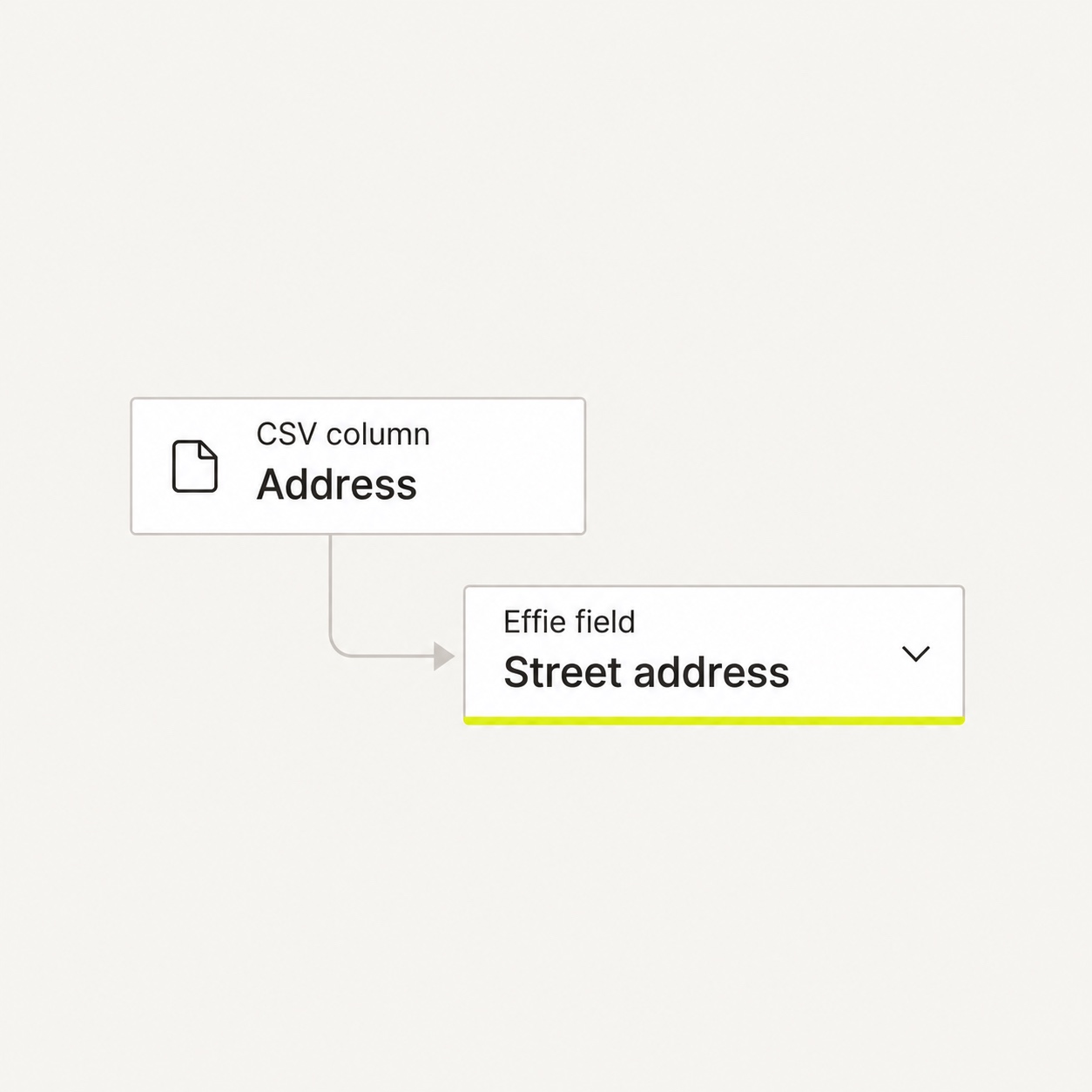
Upload a CSV, a spreadsheet-style file, and map its columns to Effie’s fields. Choose who should work the imported records.
It looks for a phone number or email linked to the owner. Check the match before using it.
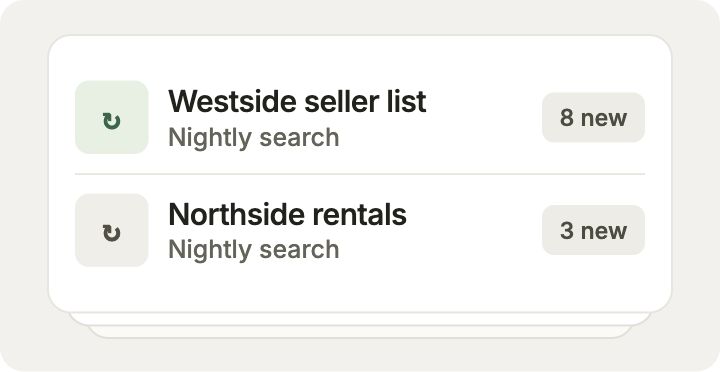
Effie checks enabled lists for new matches during nightly runs. Review the latest run for what it found.
Check the property and owner details before outreach. Coverage and the age of the data can vary by market and record.
Use skip tracing when you need a contact match. If you already have the contact information, you can bring it in with your list.
Yes. A paused list stays saved and skips nightly processing until you turn it back on.
Set the assignee on the saved list. For a CSV import, choose the teammate who should work those records.