
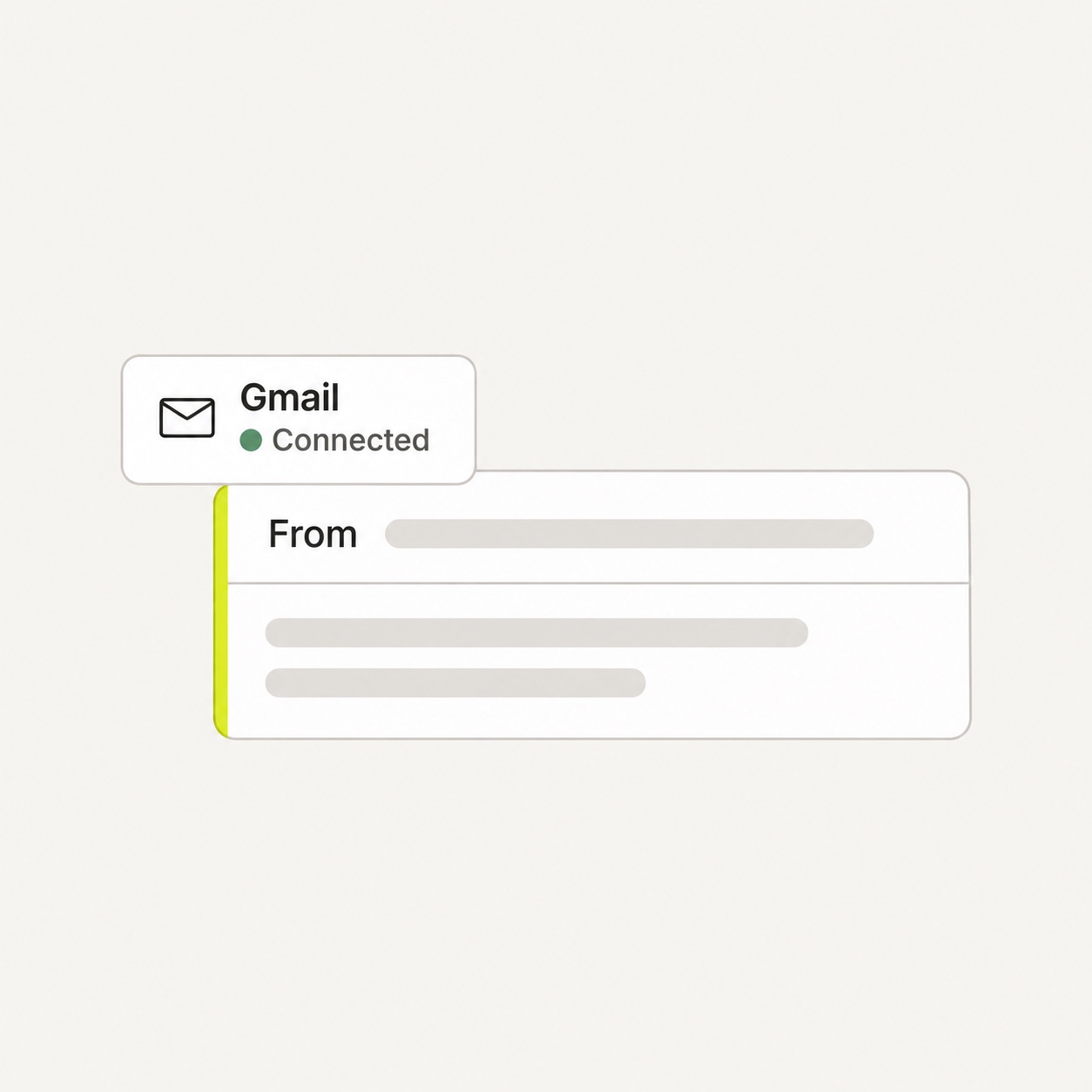
Review the seller email before sending
Open the seller conversation, check the recipient and selected mailbox, and send. Look for supported Gmail replies in Effie after the connection is active.
Integrations
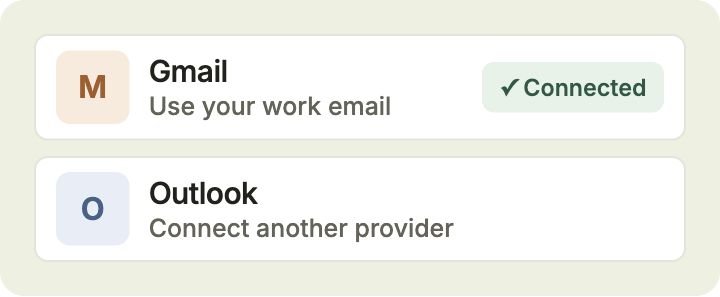
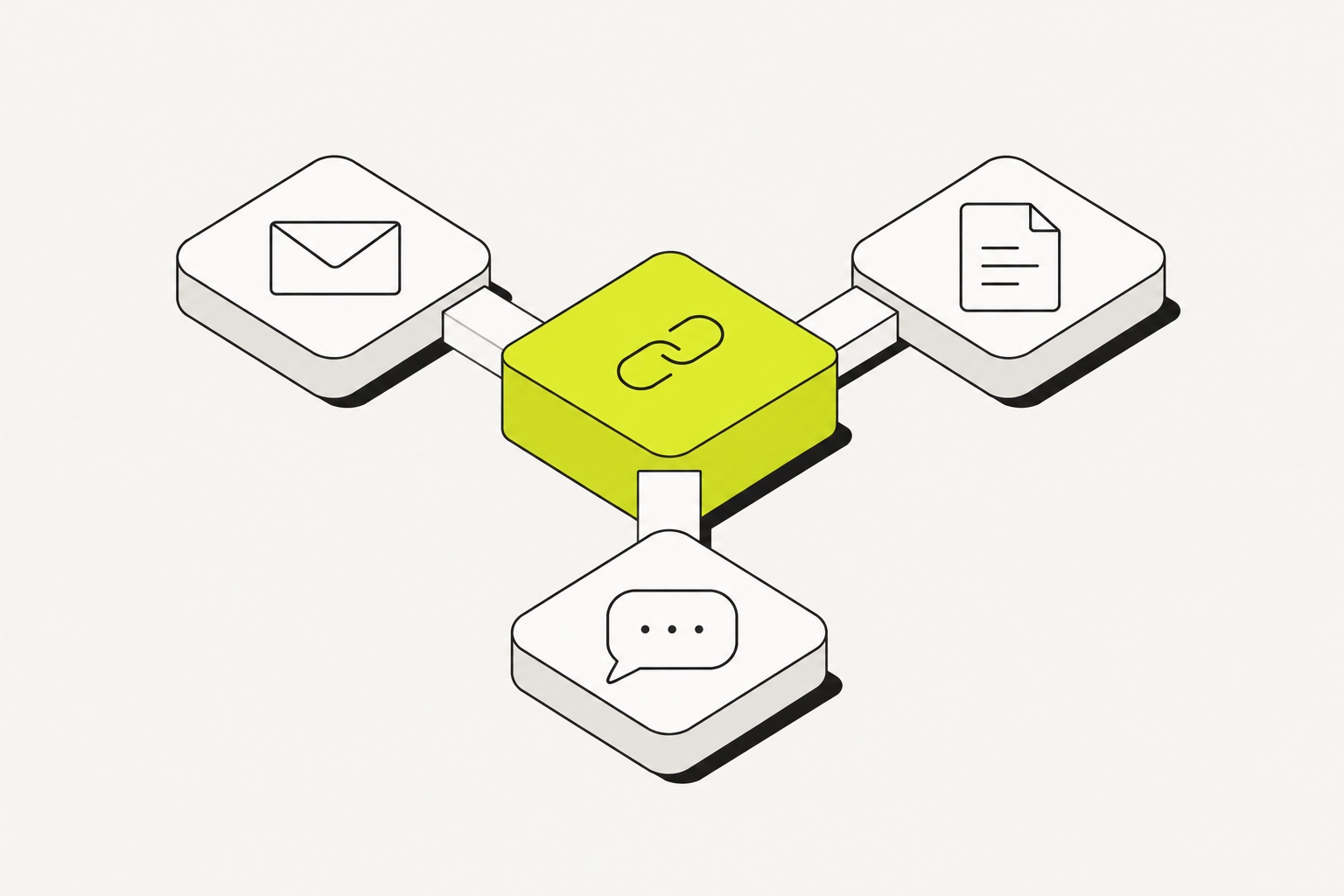
Send seller email from a connected Gmail or Microsoft 365 mailbox. Create a Google Drive package when you’re ready to share deal material.
| Service | Action and direction | Setup and limits |
|---|---|---|
| Gmail | Send from Effie through Gmail. Supported incoming seller replies can appear in Effie. | Connect Gmail and choose it as your active sender. Use Gmail for the rest of your inbox. |
| Microsoft 365 | Send from Effie through a connected Microsoft mailbox. | Connect the mailbox and choose it as your active sender. Read replies in your mail app. |
| Google Drive | Create or update a deal package from Effie to Drive. | Connect Drive and start the action from the deal. Open the folder to check what you’ll share. |
Illustrative example. You’re following up on a Cedar Lane offer. First check which mailbox you’re sending from. Later, create a Drive package for the signed deal.
Open the seller conversation, check the recipient and selected mailbox, and send. Look for supported Gmail replies in Effie after the connection is active.
Use the Google Drive action on the deal. Effie creates or updates the folder when you request it. Open the folder and check its contents before sharing.
Open Integrations to check your Gmail, Microsoft, Drive, or Slack connection. Choose the mailbox you want Effie to use for sending.
Use Update Google Drive Package on the deal when its contents change. Open the linked folder to check the result.
Look in Effie for supported seller replies from a connected Gmail account. Use your mail app for the rest of your inbox and for Microsoft replies.
If both providers are connected, choose the active sender in Integrations. Check it before sending.
Check the connection in Integrations. Reconnect the account if prompted, then confirm which sender is active.
Open the folder from the deal and use Drive’s sharing controls to choose who can access it.