

Check whether an appointment exists
A proposed time in a text is still a proposal. If the campaign allows Effie to create appointments, check Appointments for the saved entry and who will take it.
Follow-Up & AI Texting
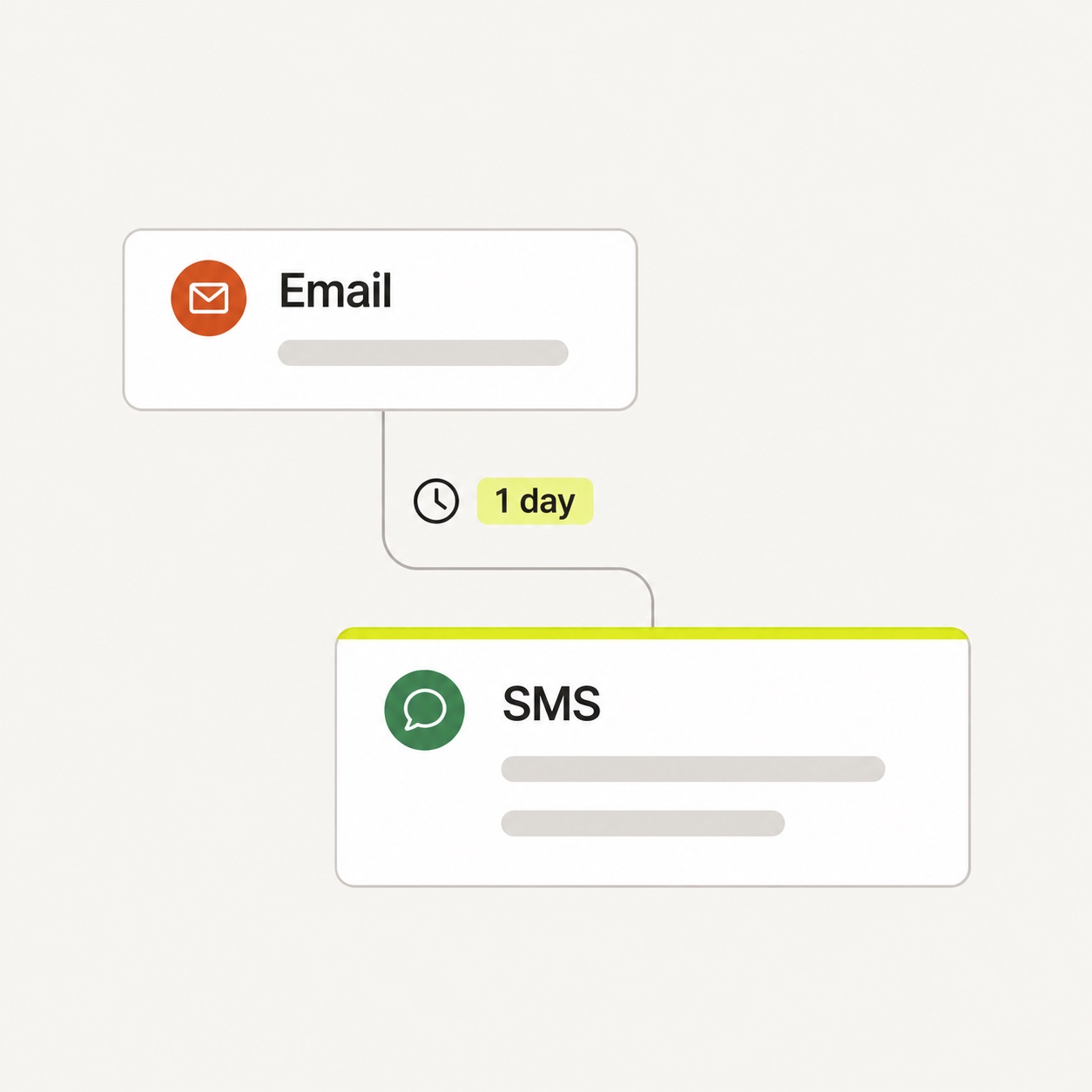
Set the timing for seller texts or emails. When AI Reply is enabled for text conversations, it can ask questions and pass the conversation to your team.

Build a drip campaign, a series of timed check-ins. Edit the AI draft and set when to send each text or email. Publish the campaign and enroll the leads you want to reach.
Set the campaign’s AI Reply goal. If you enable automatic replies, Effie can text without waiting for approval on each message. It can ask about timing, condition, or price.

Open the thread and read the answers. Take over the conversation and check the AI Reply status before making a new commitment to the seller.

Illustrative example. Nora asks you to check back next month. Enroll her in the follow-up you reviewed. When she replies, check the thread to see whether she wants a call.
A proposed time in a text is still a proposal. If the campaign allows Effie to create appointments, check Appointments for the saved entry and who will take it.

The closer reads the thread, confirms the Friday call with Nora, and checks what she said about the roof before dialing.
Yes. Choose the contacts to enroll and review the first step and timing before you start.
Open the seller thread and check its AI Reply status. A human reply can pause AI when that option is enabled.
Yes. Review the messages and timing before you publish the campaign.
Use the campaign’s reply settings to choose whether to use AI Reply and what you want it to ask.
Mark the contact Do Not Contact and check any scheduled campaign steps. Keep outreach stopped for that contact.
Open Scheduled in Campaigns. Review the failed or blocked step and the reason shown there.